Laser engraving has quickly become one of the easiest ways for woodworkers to level up their projects, add personalization, and stand out from the competition. But for many people, the biggest barrier is price — most laser engravers cost hundreds, sometimes thousands.
So the big question is:
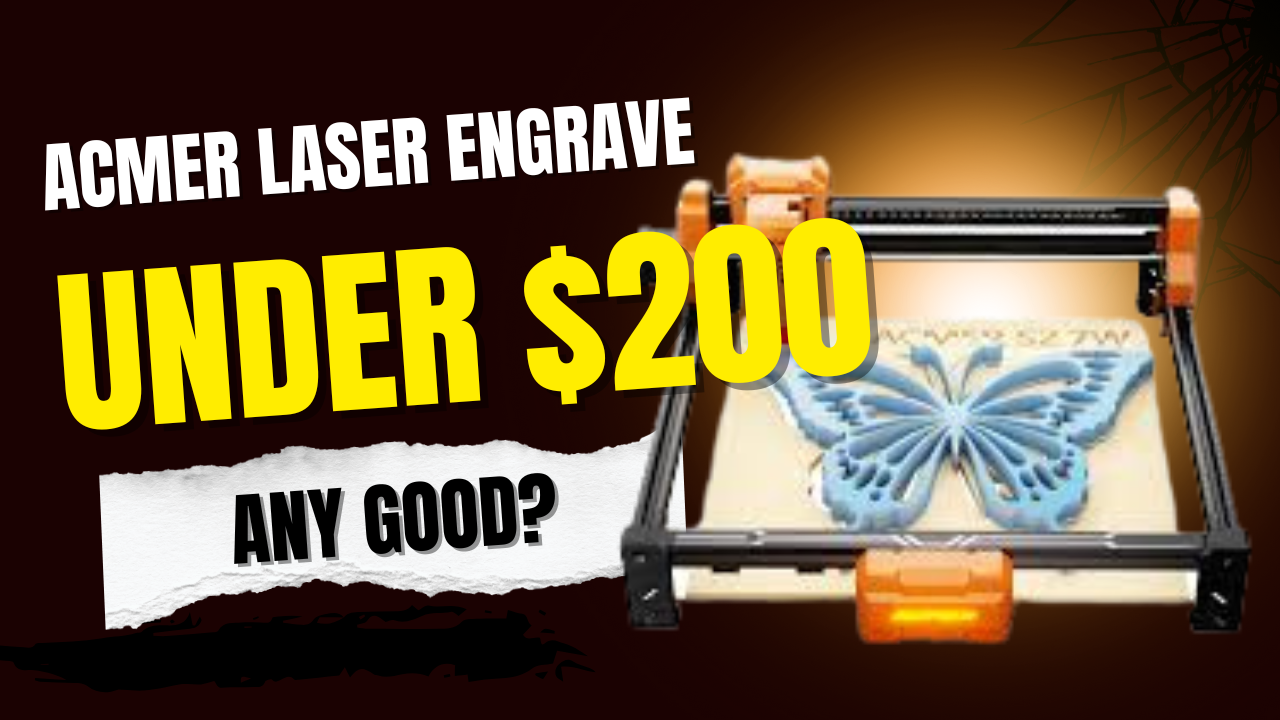
Can an under-$200 laser engraver actually deliver results?
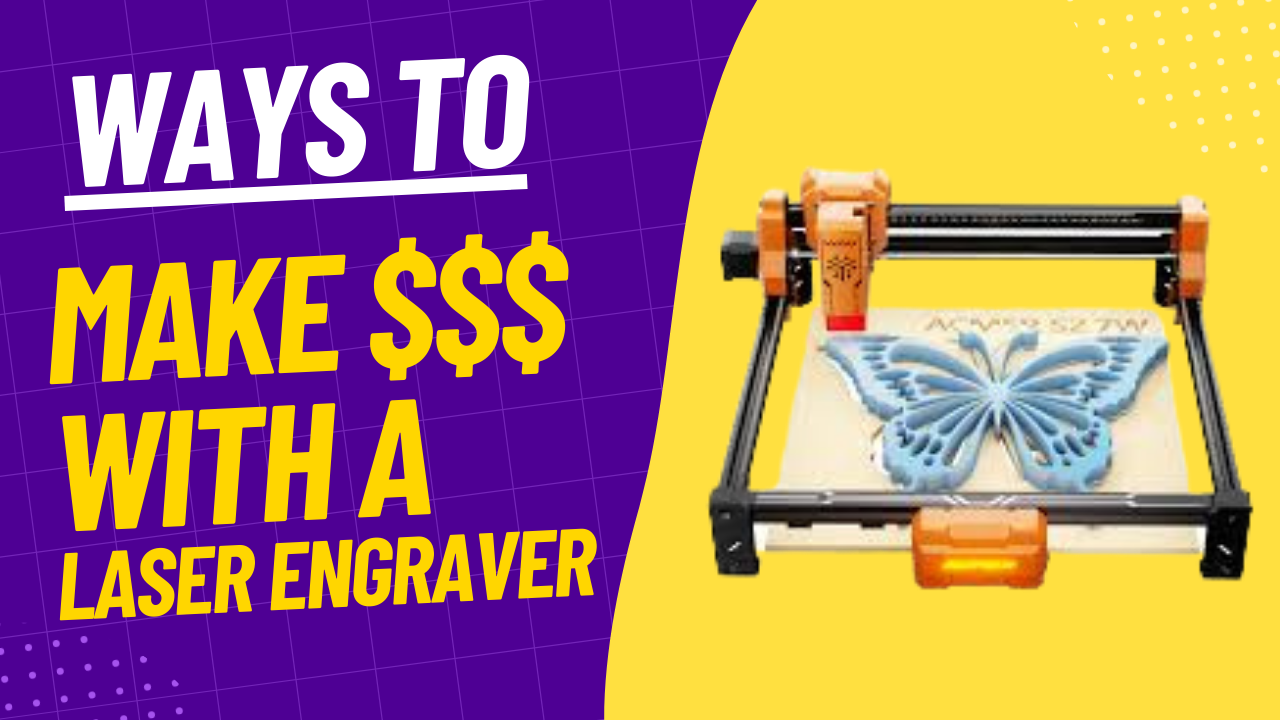
Today, we’re taking a deep look at the ACMER S2 Laser Engraver, a budget-friendly open-frame machine that claims to offer hobbyists, beginners, and small woodworking businesses a real way to get started.
👉 Want to check it out for yourself? Here’s the link to the ACMER S2:
https://www.awin1.com/awclick.php?gid=571437&mid=101769&awinaffid=2665336&linkid=4388081&clickref=
Don’t forget your Acmer Laser Discount Code – Enter woodworkinsAll for 10% off
What You Get in the Box
The ACMER S2 keeps things simple. Inside the package, you’ll typically find:
- Open-frame laser structure
- Laser module
- Power supply & cables
- Eye protection
- Basic tools for assembly
- Instruction manual
Setup is straightforward, though you should expect a small learning curve if you’ve never used a laser before. The open-frame design gives you a generous 300mm x 300mm engraving area, which is excellent for the price.
If you’re thinking about getting one, here’s the link again:
https://www.awin1.com/awclick.php?gid=571437&mid=101769&awinaffid=2665336&linkid=4388081&clickref=
Setup Experience: What You Need to Know
One of the most valuable parts of your video was showing the real setup process, including the parts that weren’t perfect. Many first-time users worry about whether they’ll understand the software, but your experience shows that the learning curve isn’t as bad as people fear.
Software Compatibility
- Chromebooks: Not supported
- Windows: Works smoothly
- Mac: Works with the right software
This is a crucial point for beginners — and something more expensive machines often struggle with too.
Frame Testing, Positioning & First Engrave
The ACMER S2 lets you run a frame test to outline the engraving area. This helps you line up your design precisely before the laser ever turns on.
Once your design is positioned, engraving is a simple matter of dialing in:
- Power settings
- Speed
- Material type
Your first test piece produced clean results, even as a beginner — which says a lot about the accessibility of the machine.
Can a $200 Laser Really Compete With a $15,000 One?
Surprisingly… yes, in some ways.
No, it won’t cut thick hardwood or run industrial jobs all day long. But for engraving logos, names, custom designs, gifts, and small projects, this machine holds its own. In fact, the open-frame design gives it an advantage:
Bigger Engraving Area = Bigger Projects
Those expensive enclosed lasers often limit you to small surfaces.
The ACMER S2 doesn’t.
You can engrave:
- Cutting boards
- Picture frames
- Birdhouses
- Signage
- Coasters
- Tumblers (with a roller accessory)
- And other custom woodworking projects
What Materials Can the ACMER S2 Engrave?
You mentioned several important ones in your description:
✔ Wood
✔ Plastic
✔ Glass
✔ Ceramic
✔ Leather
✔ Light-colored metal (for marking, depending on finish)
That’s a huge range for a laser in this price bracket.
👉 Want to check it out for yourself? Here’s the link to the ACMER S2:
https://www.awin1.com/awclick.php?gid=571437&mid=101769&awinaffid=2665336&linkid=4388081&clickref=
Don’t forget your Acmer Laser Discount Code – Enter woodworkinsAll for 10% off
Who Is This Laser Best For?
Based on your experience and testing, the ACMER S2 is ideal for:
- Hobbyist woodworkers
- Beginners with zero laser experience
- Small Etsy or craft businesses
- Weekend DIY makers
- Anyone who wants to add personalization to projects
- Schools, shop classes, or makerspaces
As a shop teacher, your perspective is spot-on: once someone engraves their first project, they’re hooked.
Price, Value & Final Recommendation
Here’s the bottom line:
For under $200, the ACMER S2 Laser Engraver is absolutely worth it.
It’s approachable, powerful enough for hobby work, and large enough to handle real woodworking projects. If you’ve been wanting to try laser engraving without dropping thousands on a Glowforge or xTool, this is the most beginner-friendly entry point you’re likely to find.
👉 Get the ACMER S2 Laser Engraver here:
https://www.awin1.com/awclick.php?gid=571437&mid=101769&awinaffid=2665336&linkid=4388081&clickref=
Learn More & What’s Next
You’ll be sharing future posts and videos covering:
- Power/speed test grids
- Software tips
- Design ideas
- Profitable woodworking + laser engraving projects
- Printable templates and SVG files